How to Set Up an Instagram Page for Your Homestay or Villa (Step-by-Step)
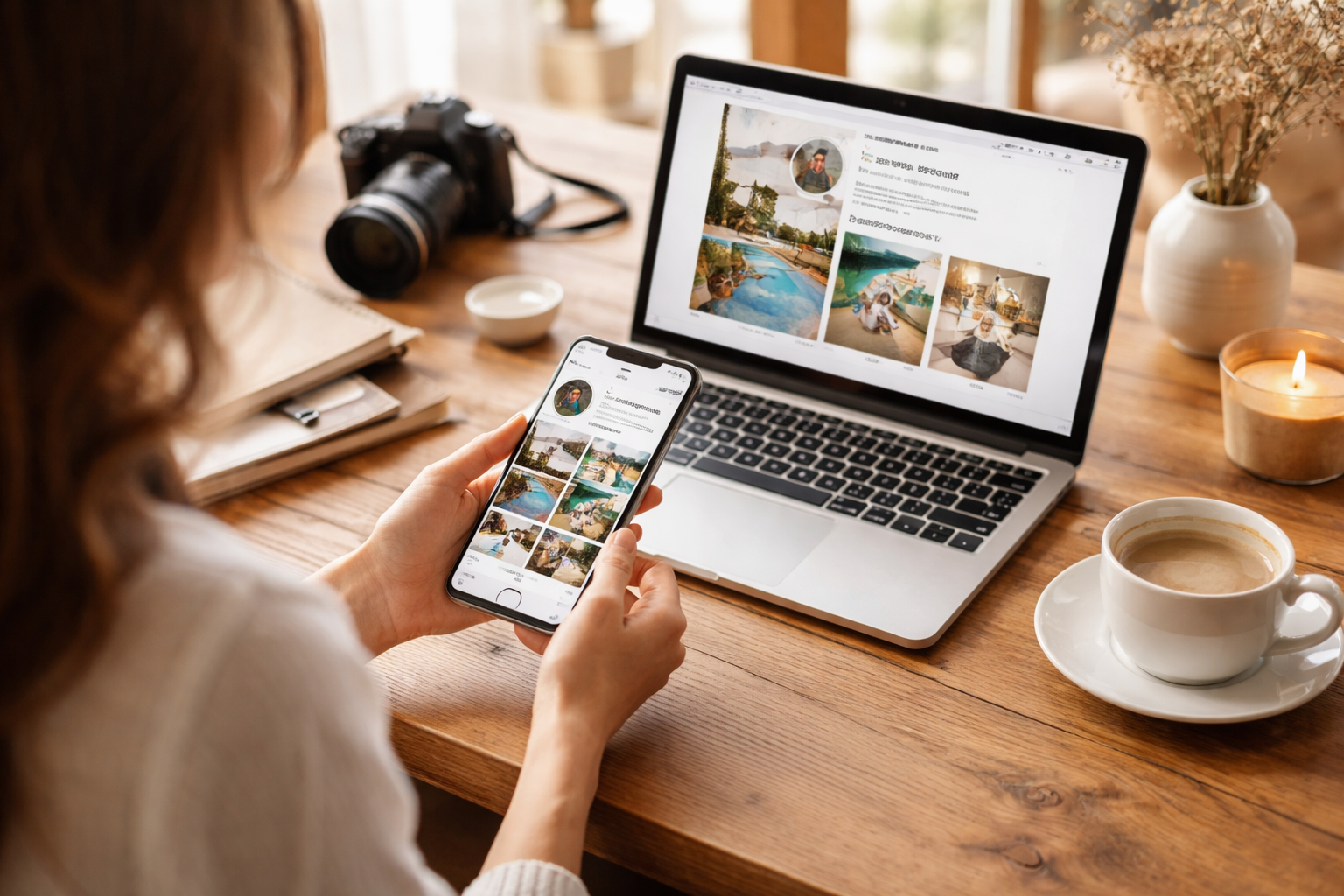
Instagram for vacation rental setup guide is one of the quickest ways to move from “we’re listed on Airbnb” to “guests recognize our brand and book directly.” The aim isn’t to chase viral reels. It’s to build trust, show what staying with you actually feels like, and create a simple system that consistently brings inquiries to WhatsApp, your website, or your booking engine.
This step-by-step setup is designed for homestays, villas, boutique stays, and short-term rentals that want a clean, professional Instagram presence that converts—without needing a full-time social media manager.
Quick outcome: what “good” looks like for a stay business Instagram
A strong Instagram page for a homestay or villa should do three things within 5 seconds:
- Prove you’re real (clear photos, location cues, active stories)
- Explain what you offer (who it’s for, what’s unique, where it is)
- Make it easy to book (link + WhatsApp + simple next step)
If someone lands on your profile—from Google, a friend’s share, an influencer tag, or a Meta Ads campaign—it should naturally guide them to: Check dates → Ask a question → Book.
Step 1: Decide your Instagram “positioning” in one sentence (before you create anything)
Before you think about usernames, logos, or highlights, write this:
We are a [type of stay] in/near [location] for [ideal guest] who want [primary feeling/outcome].
Examples that actually help shape your content:
- Villa in Goa for friend groups who want a private pool and walkable cafés.
- Heritage homestay in Coorg for couples who want quiet mornings, local food, and plantation views.
- Boutique stay near Jaipur for families who want comfort, space, and easy day trips.
This one line quietly drives everything—your bio, your visuals, and the kind of content you post.
Step 2: Create the account correctly (so you don’t have to fix it later)
Choose: Business vs Creator account
For most properties, go with Business. You’ll get better contact options, clearer category labels, and smoother integration with Meta Ads. Creator works if the page revolves around a personality (like a host-led brand), but Business is usually cleaner for a property.
Set up the basics
- Create the account using a shared business email (not a staff member’s personal number)
- Turn on Two-Factor Authentication (especially important in hospitality)
- Use Meta Business Suite later to assign access instead of sharing passwords
Pick the right category
Choose something like Hotel, Vacation Home Rental, Villa, or Bed and Breakfast—whatever best reflects your property. It helps both discoverability and clarity.
Step 3: Username, name field, and handle (this affects search more than people think)
Instagram has two key searchable areas:
- @handle (your username)
- Name field (the bold name on your profile)
Handle rules for villas and homestays
- Keep it short and easy to spell
- Avoid extra underscores and numbers unless necessary
- If you manage multiple properties, use one brand handle and organize via highlights
Name field formula (high-impact)
Use a keyword + location combination people actually search for:
- [Brand] • Villa in [Location]
- [Brand] • Homestay in [Location]
- [Brand] • Boutique Stay • [Location]
This small tweak supports Instagram marketing for villas by aligning your profile with how guests search and compare options.
Step 4: Profile photo + visual identity (simple, consistent, not complicated)
Your profile photo needs to work at a tiny size.
- Best: a clean logo mark (skip detailed logos with tiny text)
- Also works: a strong, recognizable exterior shot
- Avoid: busy collages, long text, or generic sunset photos
Quick tip: pick 2–3 signature colors and stick to them across highlight covers and story templates. This kind of homestay branding feels polished without being overdesigned.
Step 5: Write a bio that converts (copy-paste framework)
Your bio isn’t just a tagline—it’s a compact sales pitch.
Bio framework for stays
Keep it to 3–5 short lines:
- What you are + location: “Private pool villa in Assagao, Goa”
- For who / why book: “Made for slow weekends + small celebrations”
- Proof / specifics: “3BR • chef-on-call • pet-friendly”
- Action: “Check dates ↓”
Contact buttons
Enable the ones you’ll actually use:
- WhatsApp (fastest for most bookings)
- Email (for longer stays, retreats, or corporate inquiries)
- Call (only if you can reliably answer)
Link setup (don’t waste it)
Best options:
- Direct booking page on your website
- A simple link hub with Book Direct, WhatsApp, Maps, and property details
If you’re building direct bookings, link to your main booking page and track clicks with UTM parameters. This is where your Instagram starts feeding into your broader booking strategy.
Step 6: Set up Highlights like a mini “sales funnel”
Think of highlights as your always-available concierge. Most guests will check them before sending a message.
High-converting highlight set for a homestay or villa
- Stay Tour (rooms, bathrooms, common areas, views)
- Rates (starting prices, minimum nights, seasonal notes)
- How to Book (steps, deposit, cancellation basics)
- Location (area, map, drive times)
- Experiences (meals, activities, add-ons)
- Reviews (screenshots from Google, Airbnb, Booking.com)
- FAQs (check-in, pets, extra guests, power backup)
Keep highlight covers simple—icons work better than text at small sizes.
Step 7: Create your content system (so you don’t burn out)
Most hosts quit because they try to post every day. You don’t need that. You need a system you can stick to.
Use 4 content pillars (enough for a full year)
- The Space: rooms, amenities, design details
- The Feeling: slow mornings, pool time, cozy corners
- The Proof: reviews, guest content, repeat stays
- The Plan: itineraries, nearby spots, weekend ideas
What to post first (your first 12 posts)
If you’re starting fresh, build a solid base so your page looks complete:
- Hero property reel (15–30 seconds)
- 3–5 photo carousel: interiors
- Room-by-room reel
- Bathroom/amenities reel
- Outdoor/view reel
- Location carousel (map + drive times)
- What’s included
- Who it’s best for
- Review carousel
- Weekend itinerary
- Friendly policies post
- “How to book direct” post
This gives your future social media for hosts a strong foundation—so every new post leads to a profile that already answers key questions.
Step 8: Reels, carousels, stories: what formats actually work for stay businesses
Reels (reach)
Use reels to help new people discover you:
- Arrival walkthroughs (gate to main view)
- A standout feature (pool, bath, breakfast setup)
- Day vs night transitions
Carousels (consideration)
These help guests compare and decide:
- Rates, inclusions, room breakdowns
- Itineraries and nearby experiences
- Policies explained clearly
Stories (conversion)
Stories are where bookings often happen:
- Same-day availability
- Behind-the-scenes prep
- Guest moments (with permission)
- Polls and quick interactions
A simple “2 nights just opened up this week” story can outperform your most polished reel.
Step 9: Captions, keywords, and hashtags (the practical approach)
Write like a human, but be clear and descriptive:
- Type of stay (villa, homestay, boutique stay)
- Location (area + nearby landmark)
- Use-case (family trip, couples stay, remote work)
Caption template (fast, natural)
Line 1: “A quiet 3BR villa in Assagao where mornings feel unhurried.”
Lines 2–4: “Private pool, chef-on-call, strong Wi-Fi, 10 minutes to cafés.”
Line 5: “Want rates? DM ‘ASSAGAO’ or use the WhatsApp link.”
Hashtags: keep them focused
Use 8–15 relevant tags:
- Location: #[city] #[area]
- Category: #villarental #homestay
- Intent: #weekendgetaway #familyvacation
Skip overly broad tags like #travel—they rarely bring the right audience.
Step 10: Set up DMs like a booking desk (with templates)
Fast replies matter. Responding within 5–15 minutes during peak times can make the difference when guests are messaging multiple properties.
DM reply templates (copy-paste)
Template 1: First reply
Hi! Thanks for reaching out. I can help with availability and pricing. Could you share your dates, number of guests (adults/children), and any preferences?
Template 2: Sending rates
For your dates, the total is ₹____ per night (plus taxes). This includes ____. Check-in is ____, check-out is ____. I can share a booking link or confirm via WhatsApp—whatever works best.
Template 3: Direct booking nudge
You can also book directly with us for a smoother and more personalized experience.
You’ll get the same stay, direct communication for any questions or requests, and quicker support for things like early check-in or special arrangements (subject to availability).
If you’d like, I can send you the direct booking link.
Use Meta Business Suite to manage messages from desktop and avoid missed inquiries.
Step 11: Add credibility signals (the difference between “pretty page” and “bookable brand”)
Guests are looking for certainty, not just aesthetics.
- Reviews: share real screenshots
- Location clarity: area + drive times
- Clear policies: visitors, pets, noise rules
- Operational details: Wi-Fi, power backup, parking
Set up your Google Business Profile alongside Instagram—many guests will search your name there before booking.
Step 12: Your first 30-day posting plan (simple, realistic)
A plan you can actually stick to:
- 2 reels per week
- 1 carousel per week
- Stories 3–5 days per week
Batch your content in one session, schedule posts, and keep a library of quick story clips.
Common mistakes when setting up Instagram for a homestay or villa
- Bio has style but no substance
- No “Rates” or “How to Book” highlight
- Only wide aesthetic shots
- Over-edited visuals
- Slow response time
- No consistent posting system
Mini checklist: Instagram setup for stay businesses (save this)
- Account: Business + 2FA
- Handle: simple and clear
- Name field: includes stay type + location
- Bio: what/where/for who + CTA
- Buttons: WhatsApp + email
- Link: booking page or link hub
- Highlights: Tour, Rates, Location, Reviews, How to Book, FAQs
- Posts: first 12 live
- DM templates: ready
- Content pillars: Space, Feeling, Proof, Plan
How this connects to direct bookings (and why Instagram is worth it)
OTAs like Airbnb, Booking.com, MakeMyTrip, Agoda, Goibibo, or StayVista bring demand. Instagram builds your brand. Used together, they create both steady occupancy and more direct bookings.
Over time, you’ll notice guests saying “I found you on Instagram”—and they’re already convinced before they even inquire. That’s where your website, WhatsApp flow, and clear policies start to compound results.
If you want to go further, focus on:
- a high-converting direct booking page
- a structured WhatsApp inquiry system
- a simple content SOP your team can follow
Final note: the best Instagram page is the one you can run during high season
Your Instagram doesn’t need to be perfect. It needs to be clear, credible, and consistent. Start with a solid setup, publish a strong base, and keep a rhythm you can maintain—even when bookings pick up.